Sequence and Meaning
Current task guidance, October 17: the Film Letter is now A1. Its original October 8 at 08:00 deadline remains unchanged; outstanding work is late. Earlier dates in the September teaching record are historical. Direction/design now develops through the October workshops and November 2 review, with the November 13 Course Skills research checkpoint. The assessment register and current task brief govern submission.
Media Studies · Film Form and Production · Project guide · Video Letter overview · ← Sound, Voice, and Meaning | Editing for Coherence →
How do you turn separate recordings into a complete film?
Related ideas: Visual Sequence · Montage.
Lesson slides: Download the deck (PowerPoint, 2.8 MB) · image credits
At a glance
| Teaching sessions | Thu 24 Sep P1; continue the rough cut at home over 09-25 to 09-27. |
| Unit | Film Form and Production |
| Work | One stage of A1. The A1 brief holds the complete requirements and rubric. |
Objectives
- Arrange your shots into a rough cut that plays from beginning to end.
- Place voice and location sound on separate tracks and create a sound bridge.
- Export and play a test file at 1080p in landscape.
Learn
The timeline holds your clips in their playing order. Trim their beginnings and ends to choose what the audience sees. Put voiceover and diegetic sound on separate tracks so their levels can be adjusted independently. A sound bridge carries audio across a change of picture.
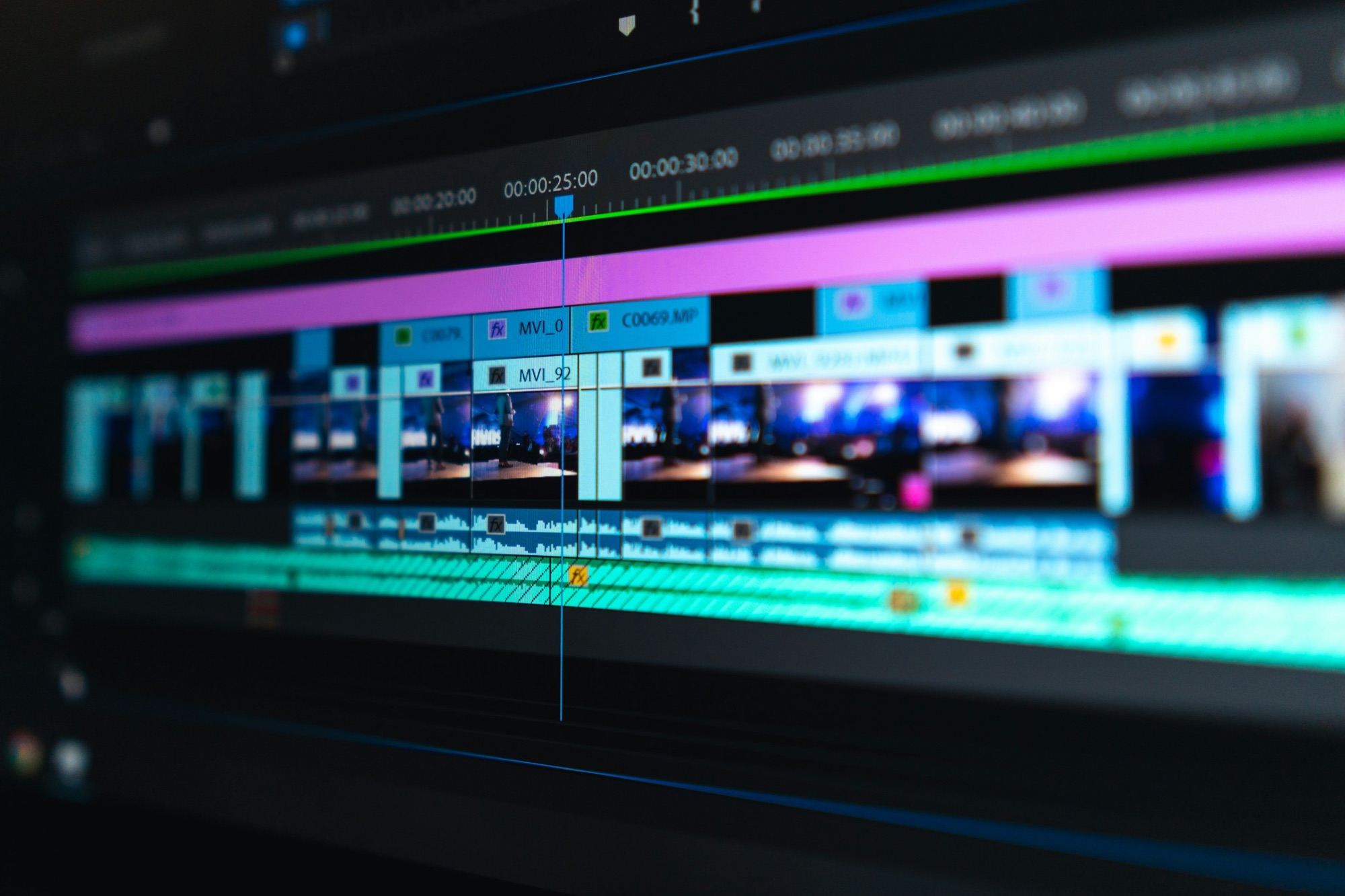
The editing timeline photograph shows picture and audio on separate tracks. Your app may look different, but you still arrange pictures, trim clips and balance the sound. Export saves the project as a video file that plays outside the editor.
How it runs
Thu 24 Sep: the first cut
Cutting, shown once (12 min)
On the projector, in the editing app: import the shots, trim each to its length, put the voiceover on its own track, put the diegetic sound on a second track, drag the sound so it starts a second before the cut it crosses, add the title card, export as an MP4 at 1080p in landscape.
Cuts only. Editing as a language is taught in Montage and Cinematic Time after the break.
The rough cut (28 min)
Each student assembles their film with the voice laid in, on their own. The target by the bell is a cut that plays from the first shot to the last, however rough.
Doğan goes from desk to desk on the one problem each timeline shows first, usually the voice buried under the room tone.
Close (5 min)
The checklist from the A1 page on the board: a title card of 3 seconds or less, no shot under a second, one shot held 8 seconds or more, the moving shot at least 3 seconds, at least 10 seconds without voice, the voice always clearly louder, nothing distorted, landscape, MP4 at 1080p.
Then the rationale’s five points.
Three things to check at home before exporting: the voice louder than everything else, the bridge starting a second before the cut, the moment where voice and picture disagree.
Play the exported file, not the timeline.
The Mid-Autumn weekend, Fri 25 Sep to Sun 27 Sep: the rough cut at home
There is no class. Students bring Thursday’s rough cut to full length at home. Begin with the three fixes identified at Thursday’s close. Keep the film unpublished until after Monday and Wednesday’s editing sessions.
Check your progress
Play your full rough cut from first shot to last. Check voice level, the sound bridge and the voice-picture mismatch. At home, play an exported file as well as the timeline.
Source quotation
The role of editing is to make a media text make sense - to create a narrative.
Cambridge International AS & A Level Media Studies coursebook, §2.5, Editing, p. 48.
Suggested reading
Coursebook §2.5, Editing, p. 48, alongside the A1 brief.