Media Studies · Apps and Activities
Media Studies · the pages and games we use in class and at home
Everything here runs in a browser. You do not need to install anything or sign in. Each activity names its lesson so you can return to it and practice on your own.
In class
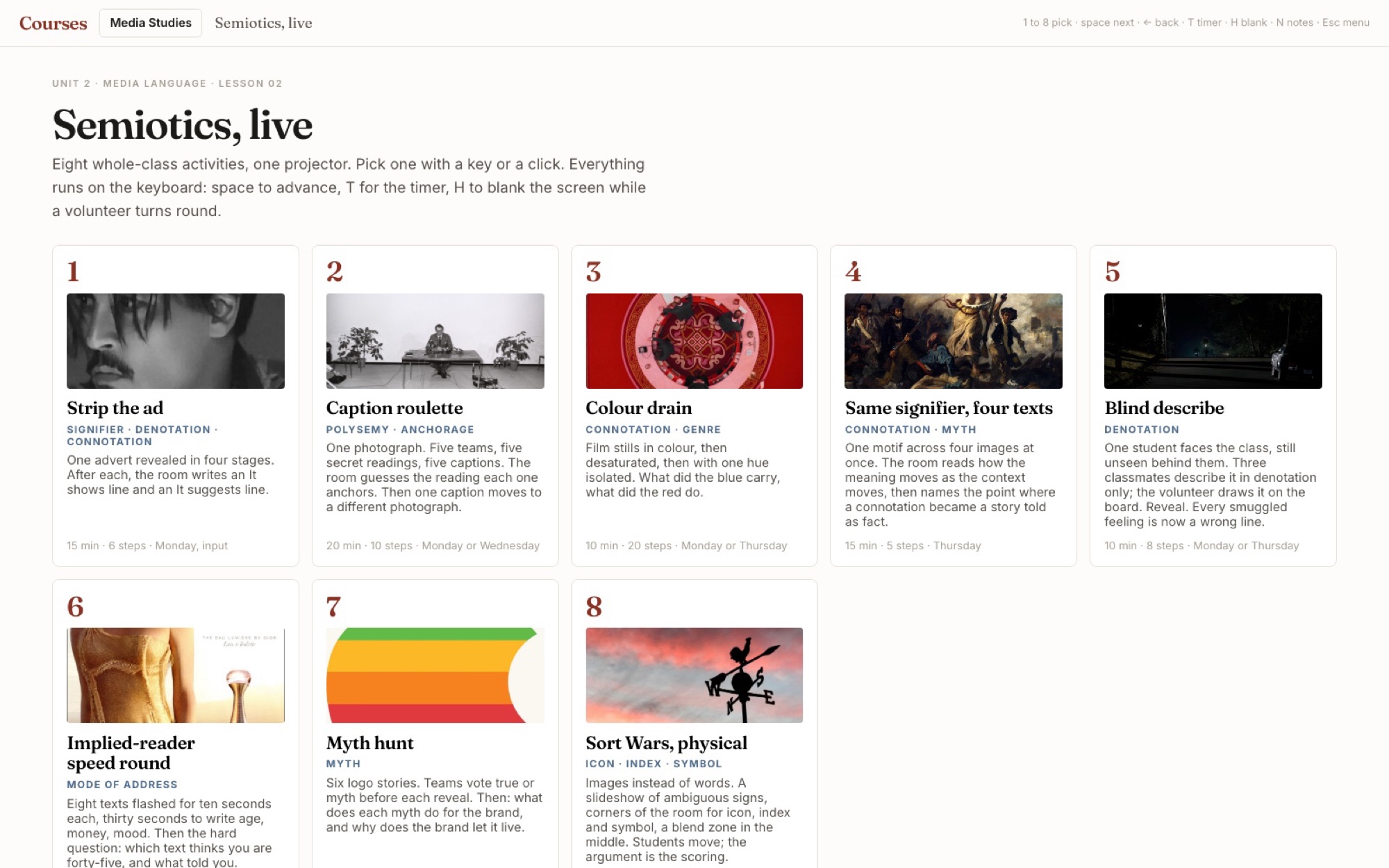
Semiotics, live
Open: https://semiotics-live.vercel.app/
These eight whole-class activities use one projector and one keyboard during Semiotics, Signs and Codes.
- Strip the ad reveals the Sauvage ad in four stages.
- Caption roulette puts five secret readings under one photograph.
- Colour drain takes the color out of six film stills and then gives one hue back.
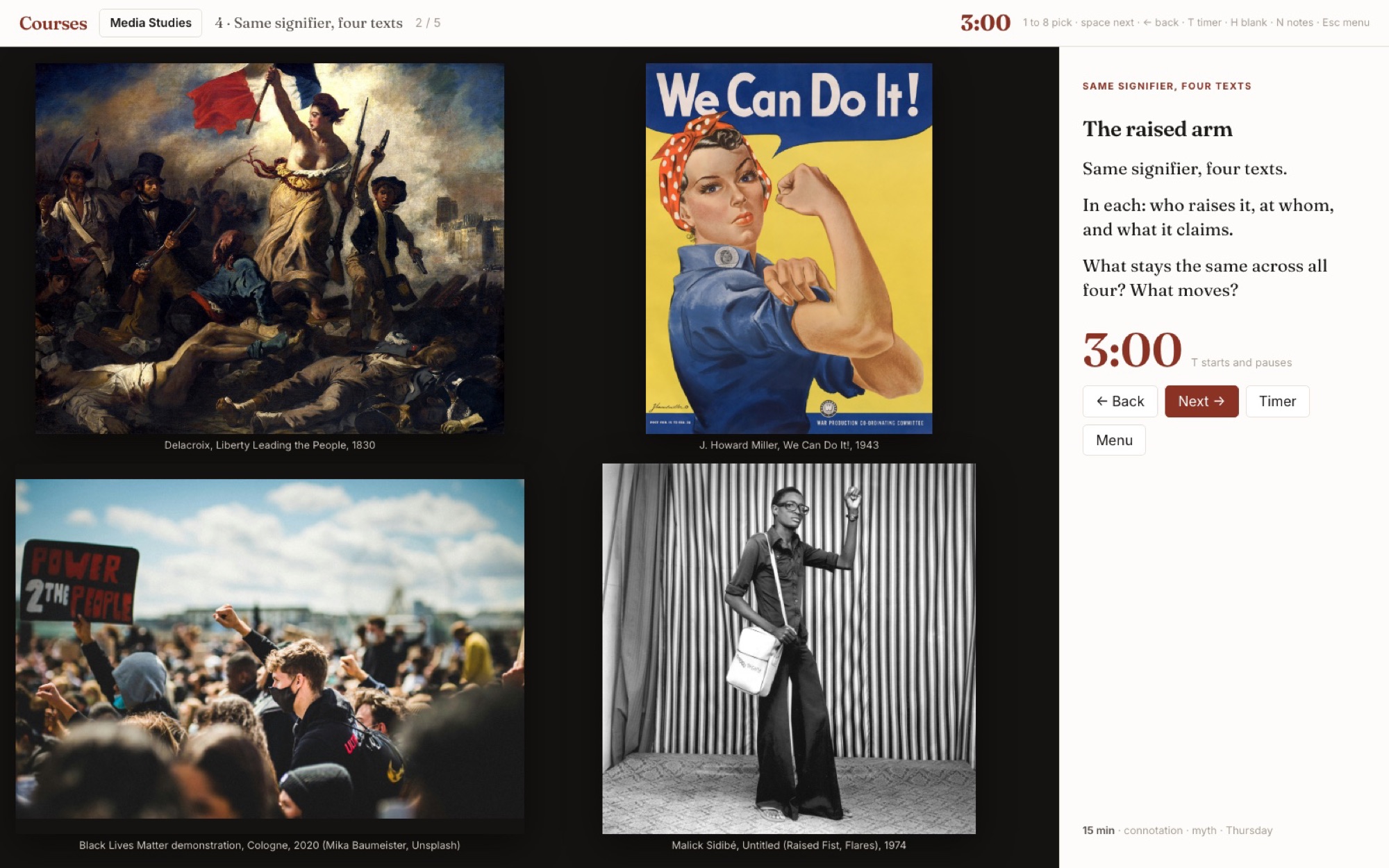
- Same signifier, four texts follows the raised arm from Delacroix to a protest in Cologne.
- Blind describe asks one of you to draw what three others describe, using denotation only.
- The implied-reader speed round shows eight texts for ten seconds each.
- Myth hunt asks you to vote on six logo stories.
- Sort Wars asks you to choose a corner of the room for icon, index or symbol.
We run activity 1 on Monday, 6 on Wednesday, and 4 and 7 on Thursday. Press 1 to 8 to choose an activity. Space advances the activity, T starts a timer, H blanks the screen, and Esc returns to the menu. You can replay any round using the same images and prompts.
Direction survey
Open the direction survey for the opening-development workshop. It asks about your film interests, intended feeling and available people, places and equipment. Use the suggested directions as possibilities, then make and explain your own choice.
Answers stay in the browser until you press Send my answers to Doğan. Check the confirmation after sending. If you already submitted, review your answers and note any changes before developing your outline.
Use Generate suggestions PDF beside the results or at the bottom, then choose Save as PDF in the print window. The PDF includes your answers, decision, and three suggested directions with reasons, practical needs and reference openings. Generating it does not send your answers.
The current lesson supplies the dates and tasks. This survey is ungraded. The proposal form is a separate drafting tool that saves locally and exports a PDF. It does not automatically send a proposal.
Scene Notes
Open Scene Notes during a film or extract. Start the timer with the screening, pause with the class and correct the film time if it drifts. Save a short observation or mark a moment to revisit. The timer is manually synchronized.
Notes stay in this browser on this device. Export text for discussion or export a backup to transfer your notes. Clearing browser data can remove saved notes. The app does not submit an assignment. Its viewing guide supports precise observations. The current lesson supplies the task and discussion requirements.
Use specific film evidence to support a reading and compare moments across a sequence.
On your own
Semiotics practice
Open: https://courses.dogan.education/static/handouts/media-studies/semiotics-practice.html
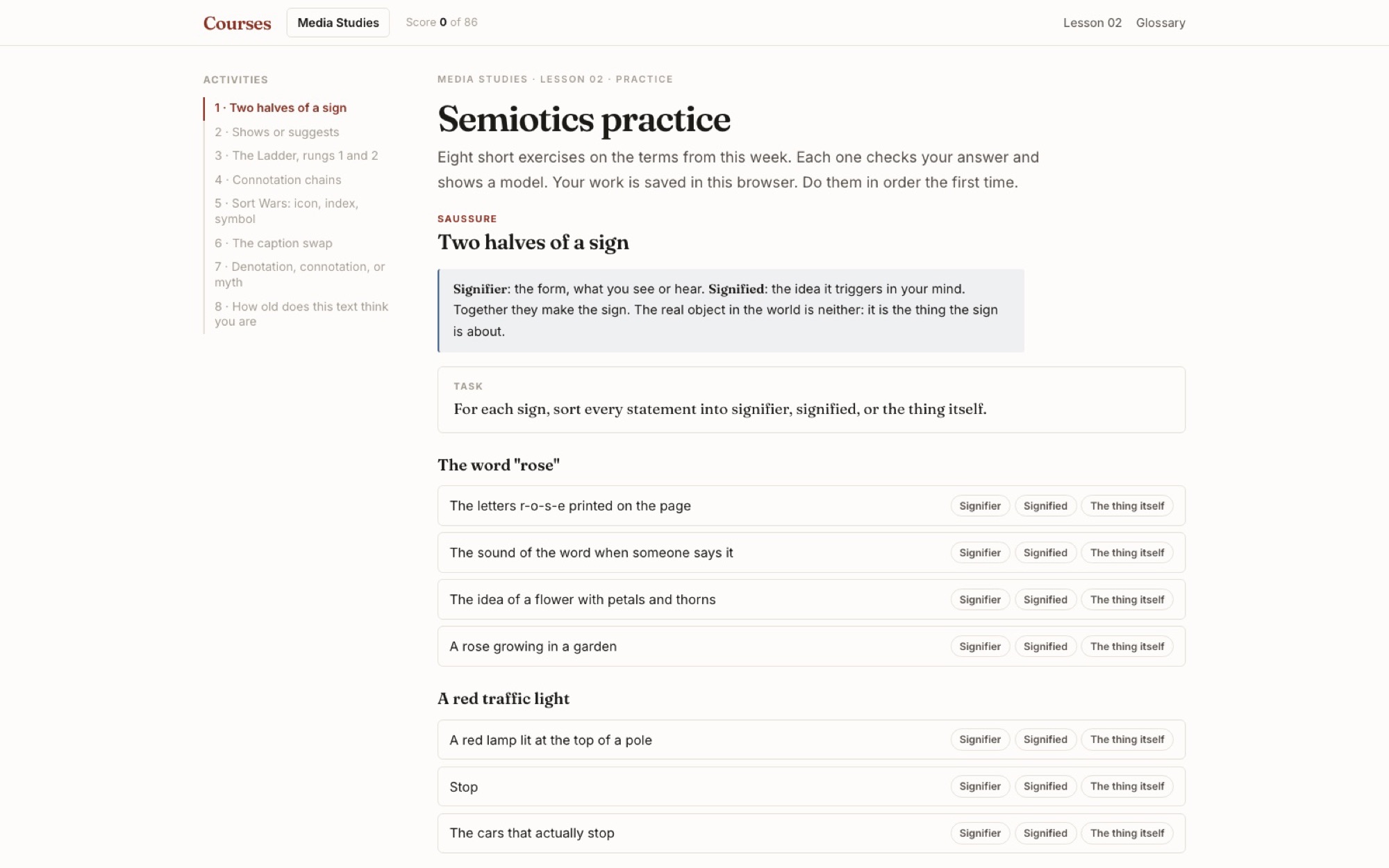
These eight short exercises check your answers as you practice the same terms:
- The two halves of a sign.
- Shows or suggests on the Sauvage ad.
- The Ladder on the Stranger Things frame.
- Connotation chains.
- Sort Wars.
- The caption swap.
- Denotation or connotation or myth.
- The implied reader of three texts.
Your answers save in your browser, so you can stop and come back. Complete them for homework in Lesson 02. We return to them in Thursday’s retrieval activity.
The Foundation Portfolio, interactive
Open: https://courses.dogan.education/static/handouts/media-studies/c1-foundation-portfolio.html

This study guide covers Component 1, the A3 portfolio. It includes both full briefs, a dated timeline from the media-area decision to submission, the preliminary exercises and the blog post map.
The planning section uses Cambridge’s Candidate B exemplar. There is also a Creative Critical Reflection planner and an explanation of the marking strands. We walk through it on the Wednesday of Lesson 02 and use it for Friday’s road map. Your choices save in your browser.