Art Appreciation · Apps and Activities
Art Appreciation · the games and tools we use in class and at home
Everything here runs in a browser. You do not need to install anything or sign in. Use these activities in class or return to them to practice on your own.
In class
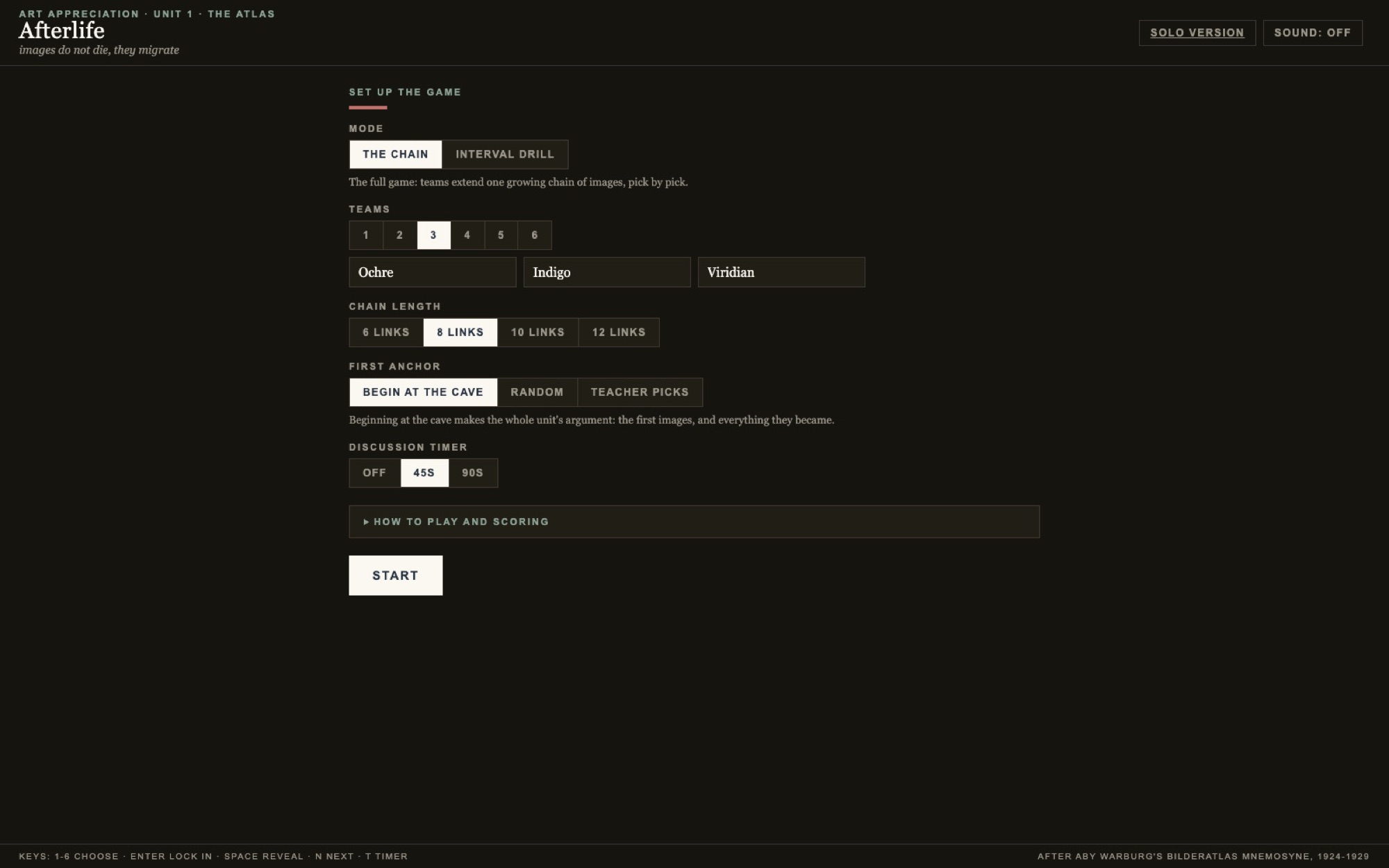
Afterlife, the chain game
Open: https://afterlife-atlas.vercel.app/
We play this game based on Warburg’s atlas in The Afterlife of Images before learning the method.
The chain starts at the cave. Each team picks the next image from a bank of six and argues what carries over from the last one. The shared motif may be a gesture, a pose, a line or a way of looking. The atlas then reveals the motif the two images share and the years between them.
An accepted pairing earns points. A larger gap in time earns more points. The class can vote to include a pairing when the argument supports a connection that the tags do not recognize.
The chain ends with a readback of the whole run. Read as one panel, what does this chain argue? You will also make an argument through an arrangement of images in A1.
The deck holds 113 images across twelve motif families, from Chauvet to Margiela. Captions stay hidden until a team locks in. The Interval drill on the start screen is a two-image warm-up.
November 4 close reading
Open: Heda: A Messy Table, A Map of the World
The class used this activity in Heda: Possession and Labor. The study moved from the whole painting to details and proposed trade routes. It distinguished observations from the activity’s historical claims. There is no separate writing assignment. The activity’s writing panel and course footer are not current requirements.
Painting Board
Open Painting Board and enter the room code shared in class. You can use a phone or laptop. Tap a detail in the painting, add your first name or initials, and write a note. Choose Observation, Interpretation or Question. Your note appears live on the shared board. The teacher can pause contributions or hide notes during discussion.
Use a specific visible detail to support your interpretation. The board is a shared class activity, not a private notebook. Notes are saved in shared storage until the teacher deletes the board. The teacher can download an offline copy of the painting and notes.
Scene Notes
Open Scene Notes during a film or extract. Start the timer with the screening, pause with the class and correct the film time if it drifts. Save a short observation or mark a moment to revisit. The timer is manually synchronized.
Notes stay in this browser on this device. Export text for discussion or a backup for transfer. Clearing browser data can remove saved notes. The app does not submit an assignment. Its viewing guide supports precise observations. The current lesson supplies the task and discussion requirements.
Use specific film evidence to support a reading and compare moments across a sequence.
On your own
Afterlife, solo
Open: https://afterlife-atlas.vercel.app/solo
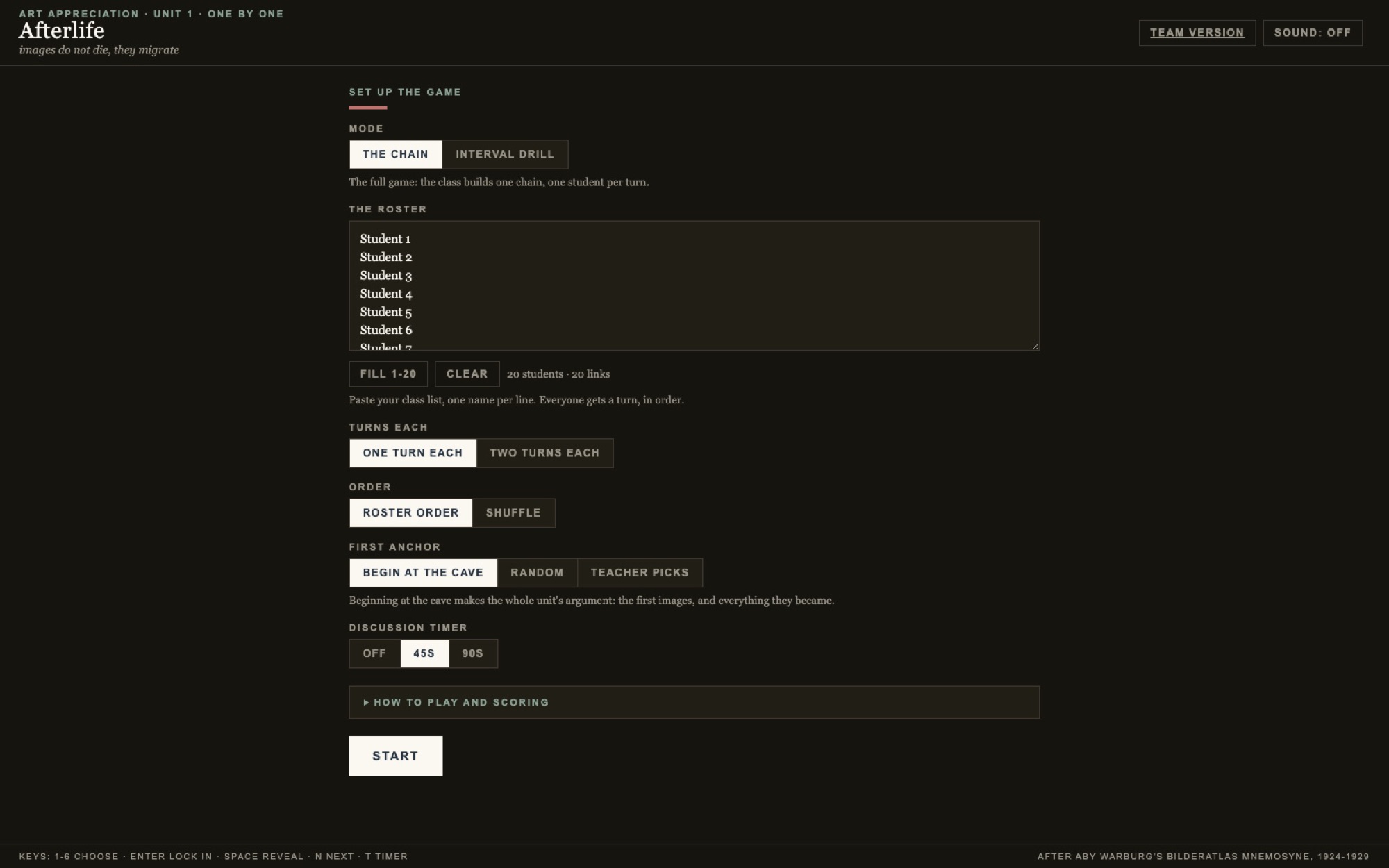
You can play the same game alone or give everyone in the class exactly one turn. Paste a roster with one name per line. The chain length adjusts to the number of names. Use it to review the motif families before A1, or to play the chain you missed.
The arrangement
Open: https://afterlife-atlas.vercel.app/panel
This view arranges any chain from either game as a numbered Warburg panel. It shows the connecting idea, the years and the person who placed each image. The panel is stored in the link. You can send it, reopen it, export it as a PNG or print it on one sheet.
Bring a finished panel to the seminar and read it aloud. This is the panel reading Lesson 02 asks for on paper.